Google allows its users to check if their data is available on the Darknet.
Specifically, you can check the status of your:
- Email address
- Password
- Name
- Phone number
- Residential address
- Date of birth
To check your data, follow these steps:
- Go to Google.
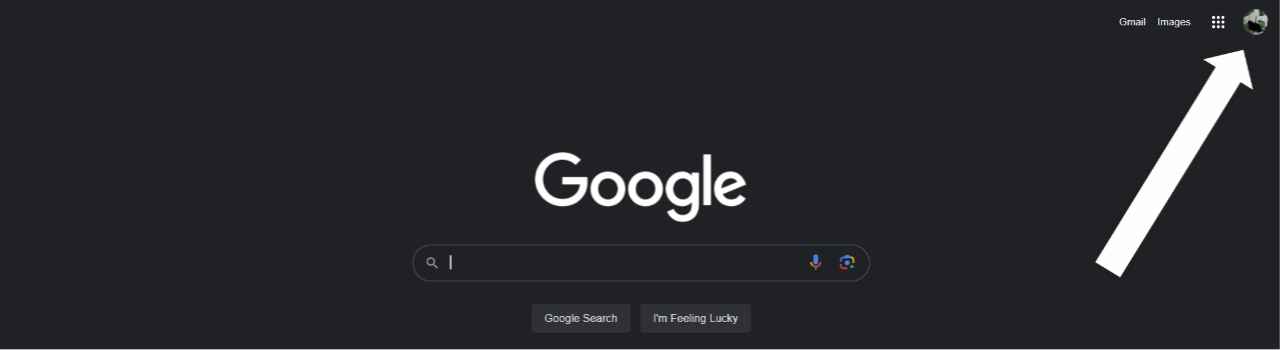
- Click on your account icon in the upper right corner.
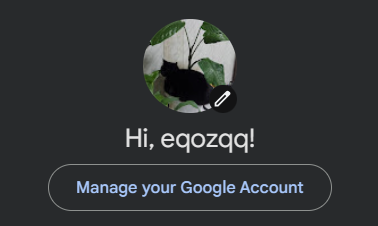
- Click on Manage your Google Account.
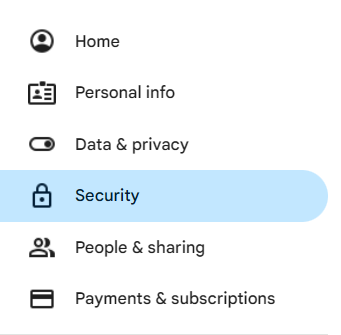
- Go to the Security tab.
- Scroll down to Dark web report.
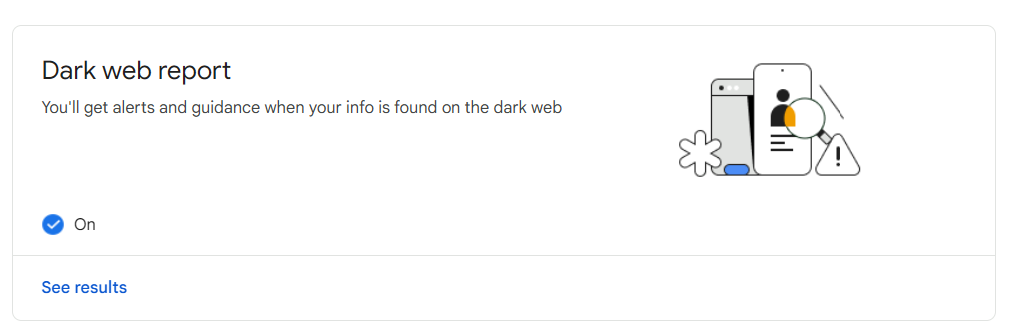
- Go to See results.
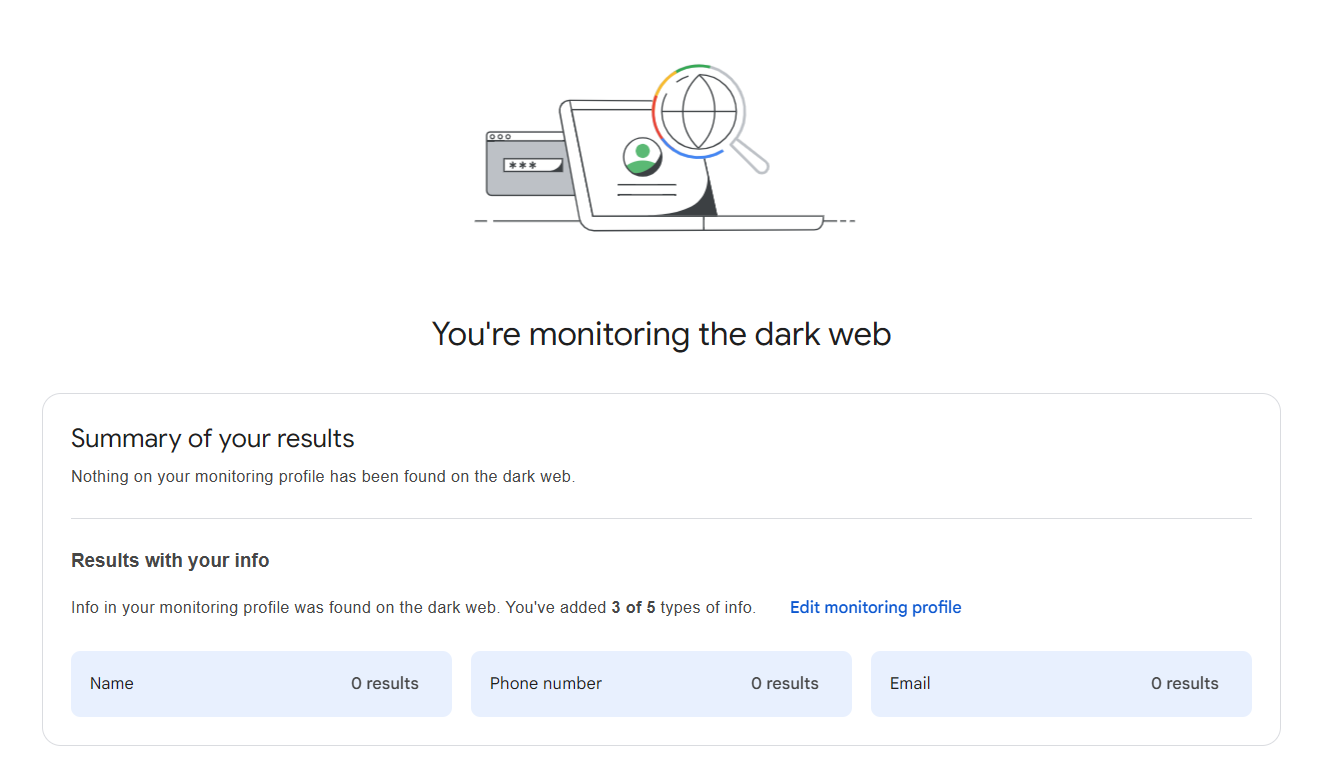
By following these steps, you can quickly verify if any of your personal information has been exposed on the Darknet.